
Company news

12.10.2026
Get Up to $250 Instant Factory Rebate on RigExpert ZOOM Analyzers
Get Up to $250 instant factory rebate on RigExpert ZOOM family antenna analyzers from October 14 through November 30, 2026. Available exclusively to customers in the USA and Canada, limited-time offer. Explore the models and get your Instant Factory Rebate
More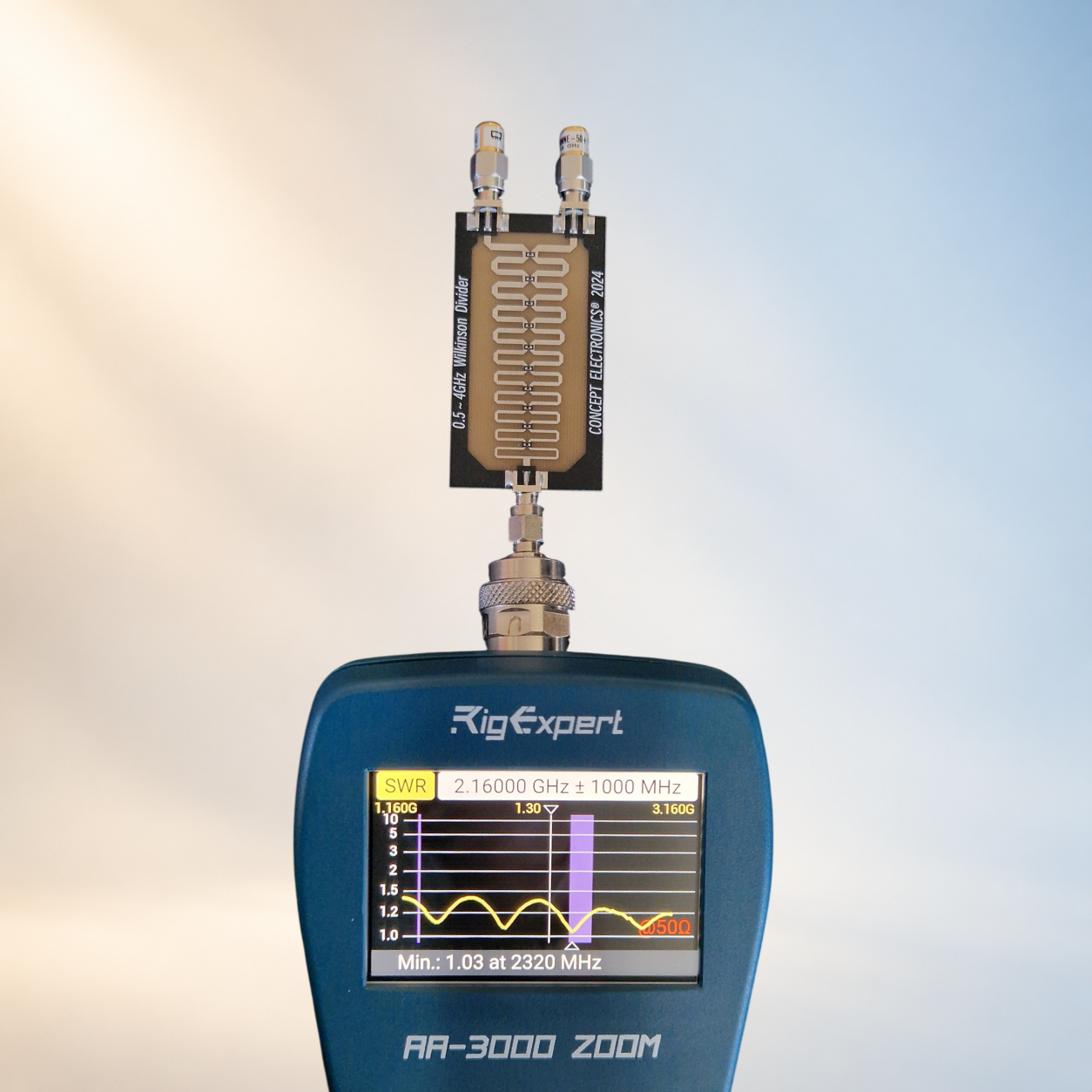
25.09.2026
A Few-Dollar Wilkinson Divider: What Can It Really Do?
We wanted to receive satellite signals on our new Fobos SDR receiver from two antennas at once. That calls for a divider (a combiner, in this direction). The simplest route was to buy a ready-made board from a marketplace for a few dollars. So we did. And then, instead of reaching for the soldering iron, we put it on the bench and measured it completely. Because before you put something into a signal path, it pays to know what exactly you are putting there.
More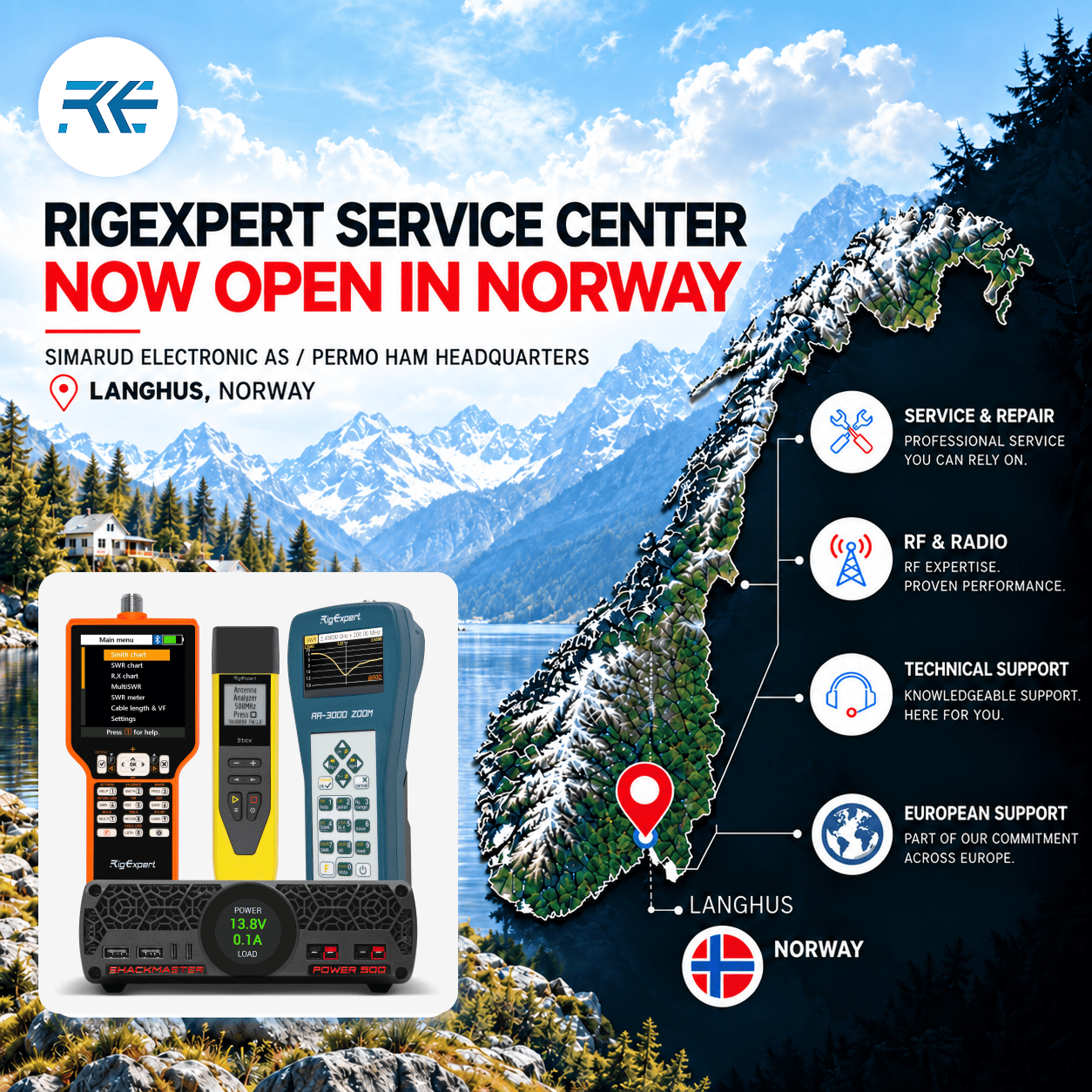
15.09.2026
RigExpert Opens a New Authorized Service Center in Norway
RigExpert is expanding its global service network to bring professional support closer to our users in Europe. We are pleased to announce the opening of a new authorized RigExpert Service Center in Norway — Simarud Electronic AS. We continue to expand our international service network to provide RigExpert users with fast, professional, and reliable support — wherever they are.

Our Advantages
Quality and durability are in the DNA of RigExpert products.
Reliability and durability
We control each stage of performance from the creation of the project to the receipt of the end product at the dealer's warehouse.
Each device goes through four stages of testing before sending to the user:
- electronic post-production
- after assembly
- before shipping to the warehouse
- before sending it to the dealer
We are so confident in the quality of our products that we just replace the device with a new one - unique to the industry 2-year RigExpertCare™ warranty program.
Perfect Customer Support 24/7
We measure our success by the positive feedback we receive. Prompt and professional, empathetic and patient, with a positive attitude - this is how users describe our Customer Support.
- Available 24/7/365 to support you
- Directly from the developer/manufacturer - we know everything about our devices
- We take care of your problem and give back your spare time
- Attentive and friendly service. Proven by user reviews
Customer Support works to make you enjoy your free time.
Simplicity and Functionality
All analyzers measure.
RigExpert analyzers solve specific user tasks.
- An intuitive user interface
- Ready to work “from the box” because factory calibrated
- A built-in helper for each instrument at the push of a button
- Various measurement modes are adapted to each specific case of using the device
Every RegExpert product creates with genuine passion of radioamateurs and and extensive experience top R&D experts.
Ready for adventure
Sometimes it is necessary to tune RF systems outdoors in different environments. RegExpert VNA is ready for challenges
- Dust- and humidity-protected enclosure
- High contrast big display
- Operation temperature from -20° to 55°C
Count on the RigExpert VNA when should working in the field
Devices
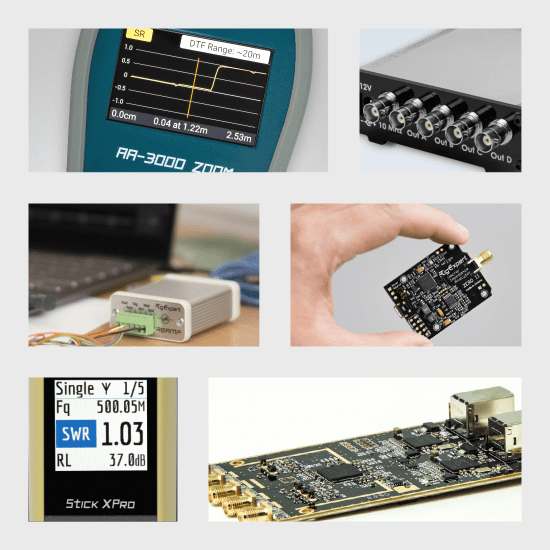
RigExpert develops and supports a wide range of devices for professional and amateur radio, M2M and IoT industries, DIY enthusiasts.
Choose your RegExpert product.
Software
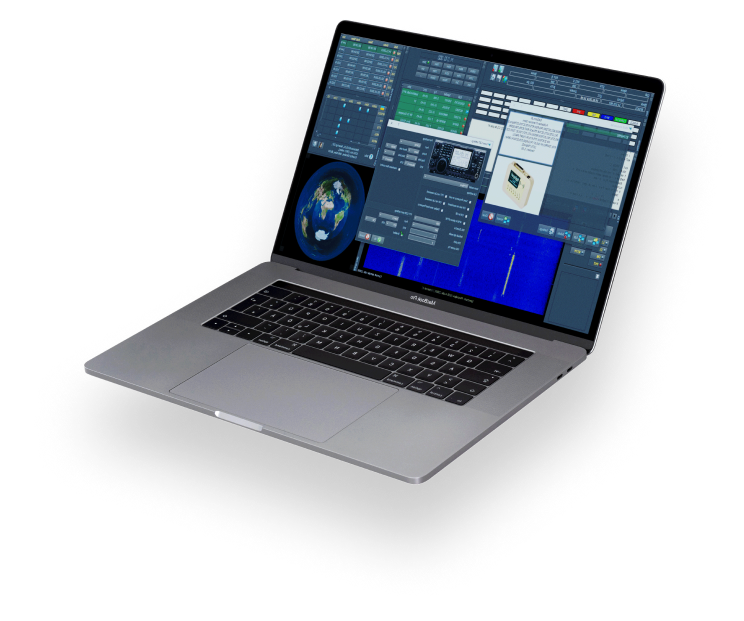
Multi-OS Companion Software for all of our products
- MixW: 3-in-1 utility software (Logger, Digital, Contests) for hams to use in both daily QOs and contests
- AntScope: antenna tuning and RF analysis software
- Reamp: software for comprehensive analysis of the power profile of LPD and IoT devices
Subscribe to be the first to know!
State-of-the-art products, software updates, fresh training videos, and articles - all to make using your RigExpert easy and enjoyable. We will be happy to share new achievements with you.

